
Your images stay on your device
Purgebg removes backgrounds locally in your browser. Your photo is not uploaded to our servers for processing.
100% automatically · free
Remove a background in one click and download a clean transparent PNG.
No sign-up. No watermark. Your image is processed privately on this device.

Drop a PNG, JPG, or WebP here
or paste one from your clipboard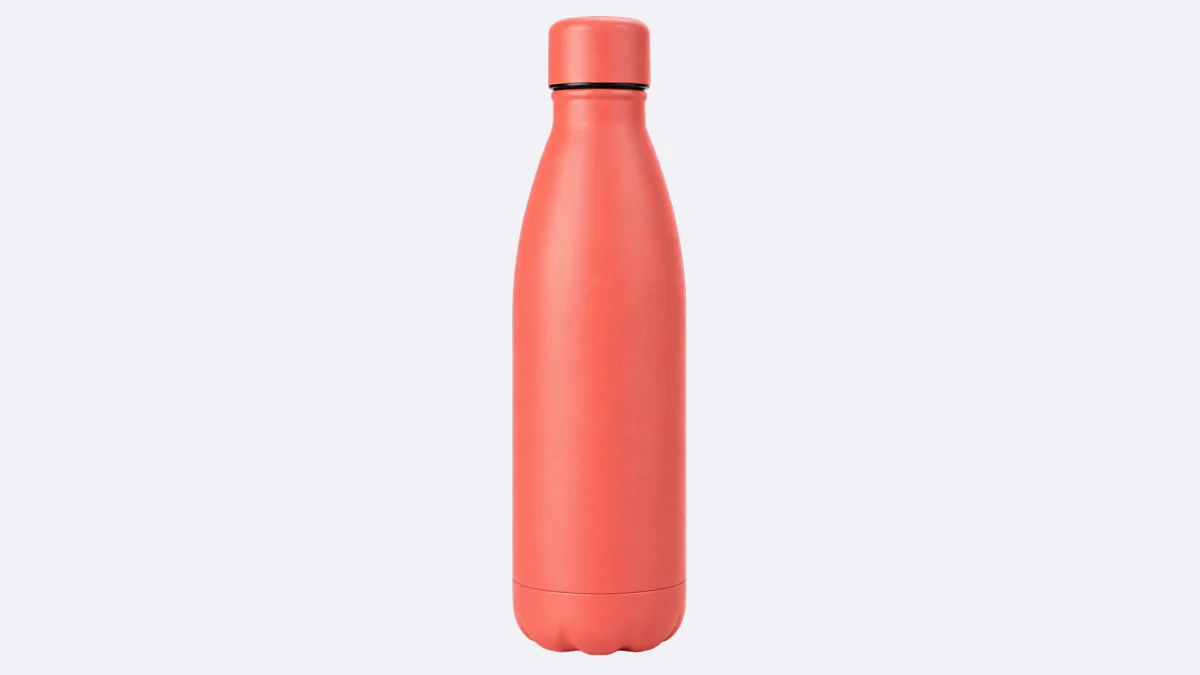
Stunning quality
Purgebg separates the subject from its surroundings directly in your browser. Drag across the image to inspect the result.
One tool, many uses
See how the same simple workflow helps with people, products, animals, and cars.


Made for everyday work
Purgebg removes backgrounds locally in your browser. Your photo is not uploaded to our servers for processing.
Start with an image and download your result without signing up or working around a watermark.
Download a transparent PNG, or add a color and save a JPG for profiles, listings, and everyday creative work.
Fast processing is the default. Choose the recommended Fine option for hair, fur, and other difficult edges.
Ready when you are
Choose a photo or try one of our original samples. Processing stays in your browser.
Drop a PNG, JPG, or WebP here
or paste one from your clipboardResources

A practical walkthrough for creating a clean transparent result in your browser.
Prepare consistent product photos for marketplaces, shops, and catalog pages.

Read the confirmed timeline and compare practical options for your next workflow.
Common questions
Yes. The browser-based background remover is free to use, requires no account, and adds no watermark.
No. Background removal runs in your browser. Your browser downloads the model files, but your image is not sent to us for processing.
Purgebg accepts PNG, JPEG, and WebP images and can export a transparent PNG or a color-filled JPG.